Dev Boards
Arduino Nano (Type C)
৳570
The same ATmega328P as the Uno on a board small enough to sit directly in a breadboard, with a USB-C connector and two extra analog inputs.
Identical chip, identical 16 MHz clock, identical 32 KB of flash — the difference is the footprint. It drops into a breadboard with no jumper wires, which makes it the usual choice once a prototype needs to become something compact.
What you can build
- Permanent breadboard or perfboard builds where an Uno is too bulky
- Wearable and enclosure projects with tight space
- Anything needing more than six analog sensors
Not sure it will work? Test your circuit free in Tekko Sim — on your phone, in Bangla or English.
| Category | Dev Boards |
| Model no. | Nano |
| Availability | In stock |
| In stock | 5 pcs |
| Delivery | Cash on Delivery, nationwide Bangladesh |
| Microcontroller | ATmega328P |
| Operating Voltage | 5V |
| Digital I/O Pins | 14, of which 6 give PWM |
| Analog Input Pins | 8 |
| Flash Memory | 32 KB |
| SRAM | 2 KB |
| EEPROM | 1 KB |
| Clock Speed | 16 MHz |
| Connector | USB Type-C |
| Footprint | breadboard-friendly DIP |
Questions about the Arduino Nano (Type C)
What is the difference between the Arduino Nano and the Uno?
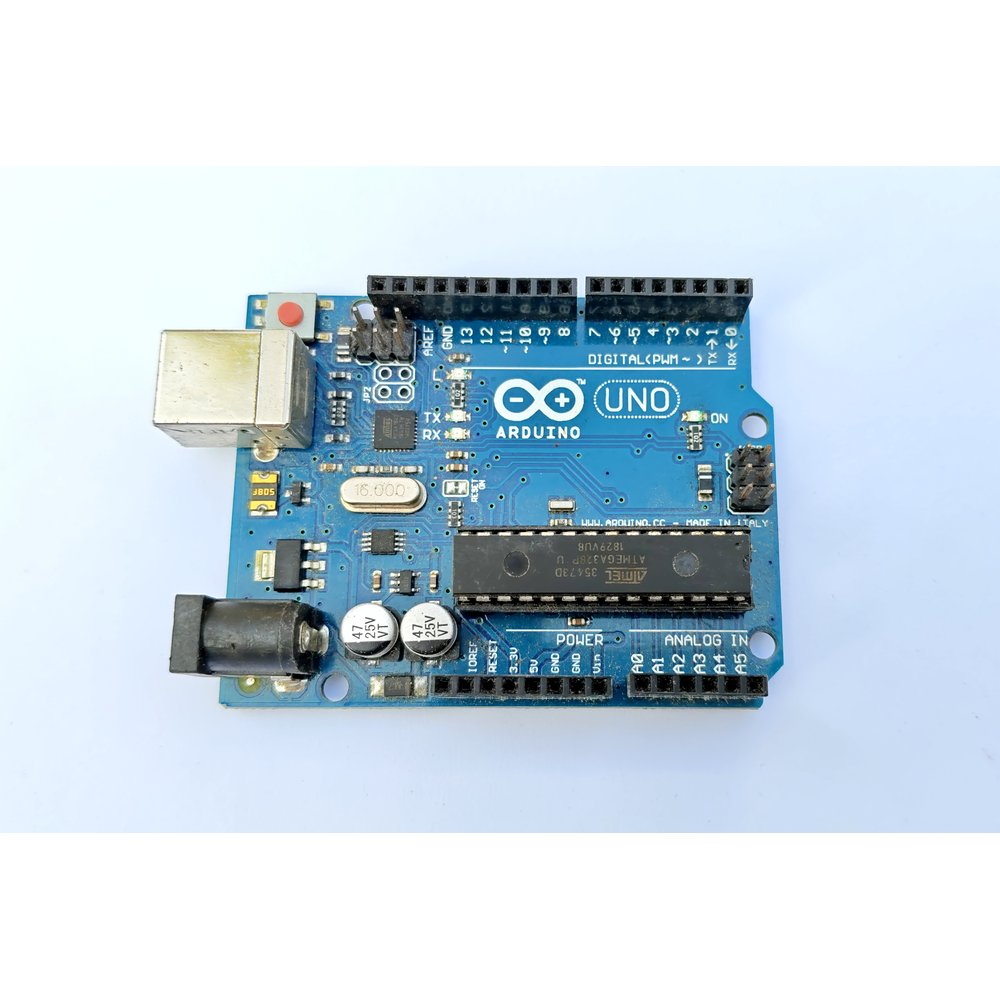
Same ATmega328P, same 16 MHz clock, same 32 KB of flash. The Nano is much smaller, plugs straight into a breadboard and gives you two extra analog inputs, A6 and A7. The Uno has a barrel jack and accepts shields; the Nano has neither.
My computer does not detect the board. Which driver do I need?
Boards in this form factor normally use a CH340 USB-to-serial chip rather than the original FTDI part. Install the CH340 driver, then pick the new port in the Arduino IDE. Message us if you want the exact chip fitted to the batch currently in stock.
Can I connect 5V sensors directly to the Nano?
Yes. The Nano runs 5V logic, so common 5V sensors and modules wire straight up with no level shifter. That remains one of the main reasons people pick it over a 3.3V board.
More in Dev Boards
All dev boards →