Sensors
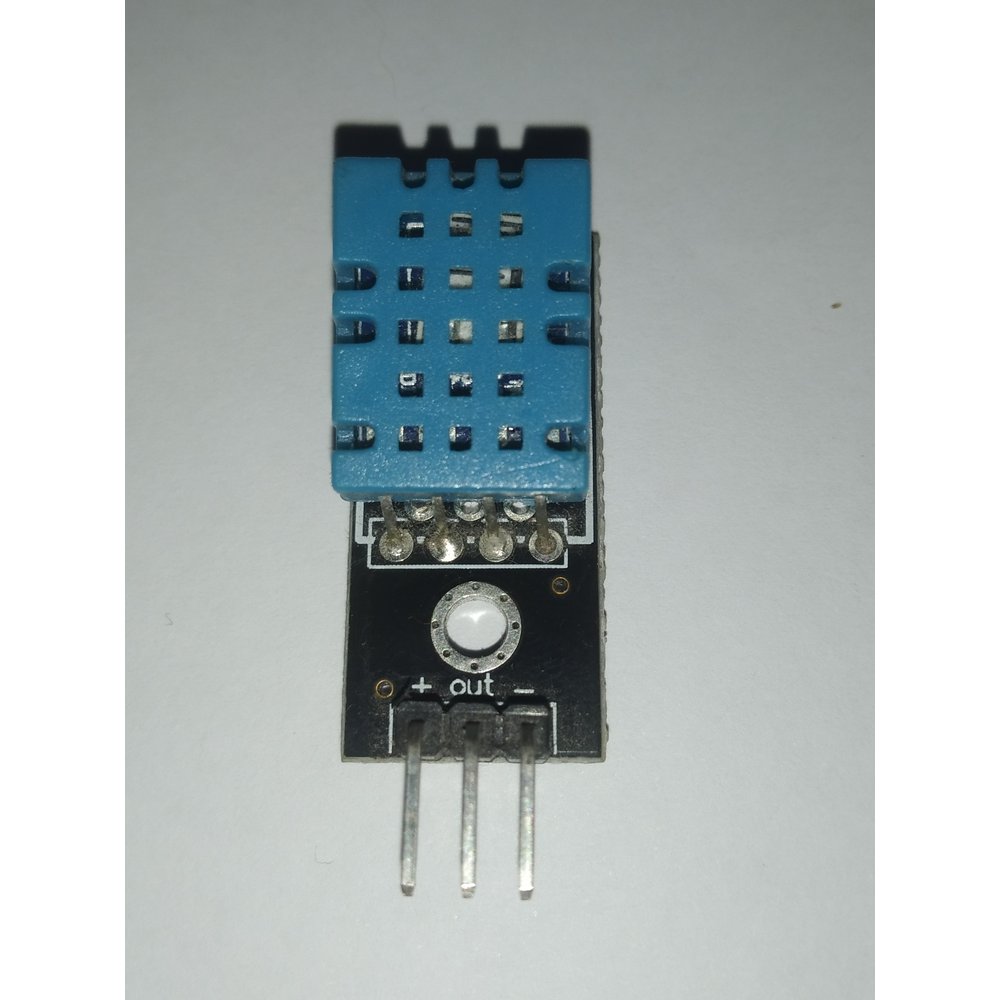
DHT11 Temperature & Humidity Sensor
৳150
Digital temperature and humidity on one pin, reading 20–90% RH and 0–50°C. Cheap, reliable indoors, and the usual first sensor in a weather project.
It is a single-wire digital part, so no ADC and no calibration are needed — the library returns finished numbers. Accuracy is modest, which is the trade-off for the price.
What you can build
- Room temperature and humidity monitors
- Greenhouse and incubator logging
- Fan or dehumidifier control by threshold
Not sure it will work? Test your circuit free in Tekko Sim — on your phone, in Bangla or English.
| Category | Sensors |
| Model no. | DHT11 |
| Availability | In stock |
| In stock | 5 pcs |
| Delivery | Cash on Delivery, nationwide Bangladesh |
| Humidity Range | 20–90% RH |
| Humidity Accuracy | about ±5% RH |
| Temperature Range | 0–50°C |
| Temperature Accuracy | about ±2°C |
| Operating Voltage | 3–5.5V |
| Interface | single-wire digital |
| Sampling Rate | once per second at most |
Questions about the DHT11 Temperature & Humidity Sensor
DHT11 or DHT22, which should I buy?
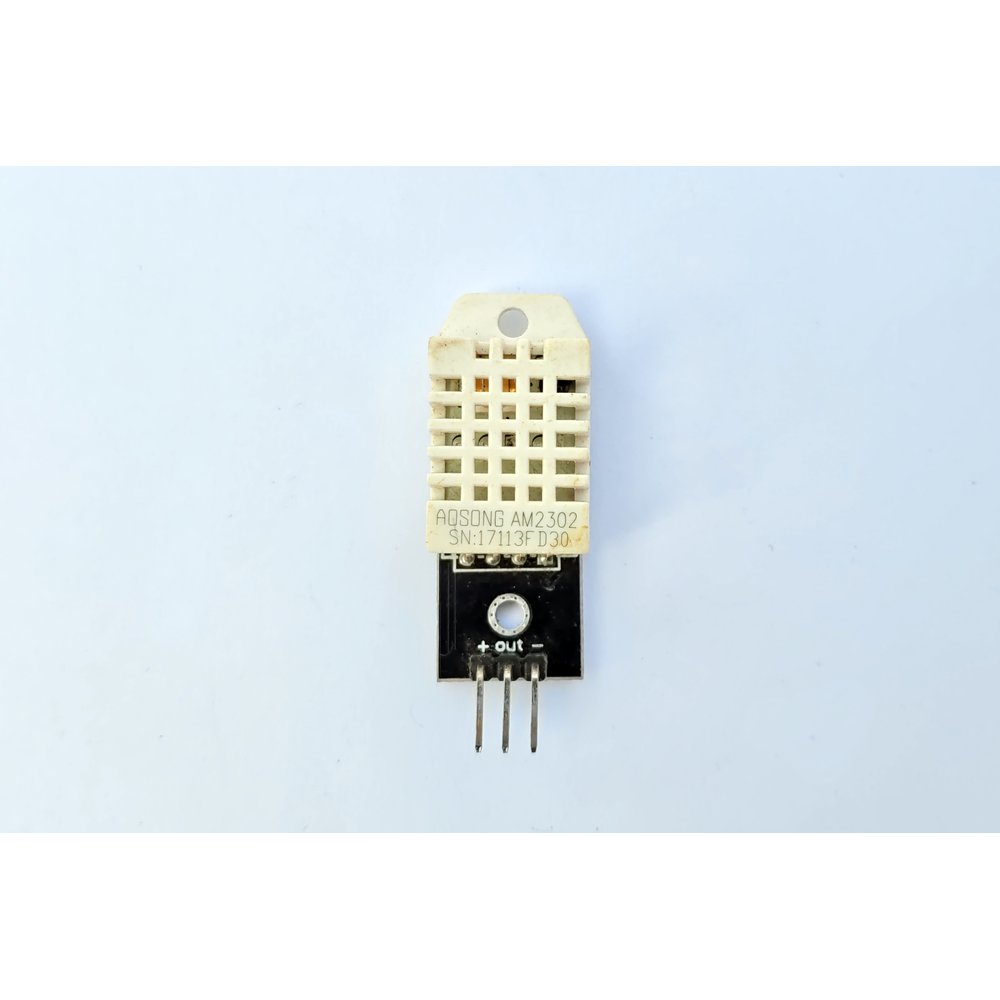
The DHT11 is cheaper and fine for indoor room monitoring. The DHT22 reads a wider range, 0 to 100% RH and -40 to 80°C, and is roughly four times more accurate on temperature. Take the DHT11 for a classroom project or a rough indoor reading, and the DHT22 for anything outdoors or anything where the number matters.
How often can I read it?
Once per second at most. Poll it faster and the library returns stale or failed readings, which is a very common cause of NaN values appearing in the serial monitor.
Do I need a pull-up resistor?
The data line needs a pull-up of around 4.7k to 10k ohms. Most breakout boards already have one fitted, so a three-pin module works directly, while a bare four-pin sensor usually needs one added.
DHT11 কিভাবে Arduino-এর সাথে কানেক্ট করব?
তিন পিনের মডিউল হলে VCC কে 5V-তে, GND কে গ্রাউন্ডে, আর DATA পিনকে যেকোনো ডিজিটাল পিনে (যেমন D2) কানেক্ট করুন। Arduino IDE-তে DHT লাইব্রেরি ইনস্টল করে সেই পিন নম্বর কোডে বসিয়ে দিলেই রিডিং পাওয়া শুরু হবে।
সিরিয়াল মনিটরে বারবার NaN দেখাচ্ছে, এটা কিভাবে সমাধান করব?
প্রথমে ডেটা পিন সঠিক জায়গায় লাগানো আছে কিনা এবং কোডে একই পিন নম্বর দেওয়া আছে কিনা চেক করুন। এক সেকেন্ডের চেয়ে বেশি ঘনঘন রিড করার চেষ্টা করলেও NaN আসে, তাই delay বাড়িয়ে দেখুন এবং পুরনো বা নষ্ট সেন্সর হলে পরিবর্তন করুন।
DHT11 দিয়ে LCD ডিসপ্লেতে তাপমাত্রা ও আর্দ্রতা কিভাবে দেখাবো?
DHT11-এর ডেটা রিড করার পর সেই ভ্যালুগুলো lcd.print() ফাংশন দিয়ে 16x2 I2C LCD-তে পাঠাতে হয়। এজন্য DHT লাইব্রেরির পাশাপাশি LiquidCrystal_I2C লাইব্রেরিও যোগ করে দুটো সেন্সরের কোড একসাথে লিখতে হবে।
More in Sensors
All sensors →