SG90 Servo Motor Guide: Pinout, Wiring, Code
Where the SG90 servo's three wires go, Arduino servo code that works, and SG90 vs MG90S vs MG996R: which servo fits which project.
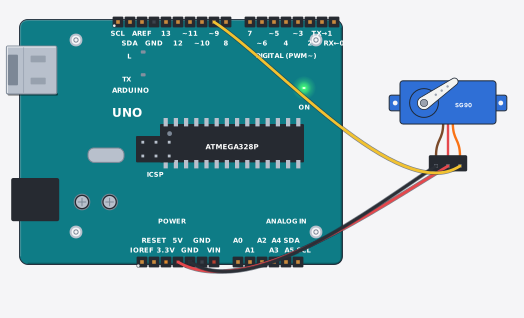
A servo is a motor that moves to an angle you ask for and holds it. Ask for 90° and it sits at 90°. Door latches, robot arms and smart dustbin lids usually have one behind them. This SG90 servo motor guide covers the three wires, the Arduino code, and which servo to buy for which project.
Inside the small plastic case there are three parts: a DC motor, a gear train that trades speed for torque, and a position sensor. The sensor reports where the arm actually is, and the servo corrects itself until it matches your command. That is where the name comes from.
What you need
- One SG90 servo motor
- An Arduino Uno (or any Arduino/ESP32 board)
- Female-to-female jumper wires (the servo plug is female)
- A separate 5V supply if you run more than one servo
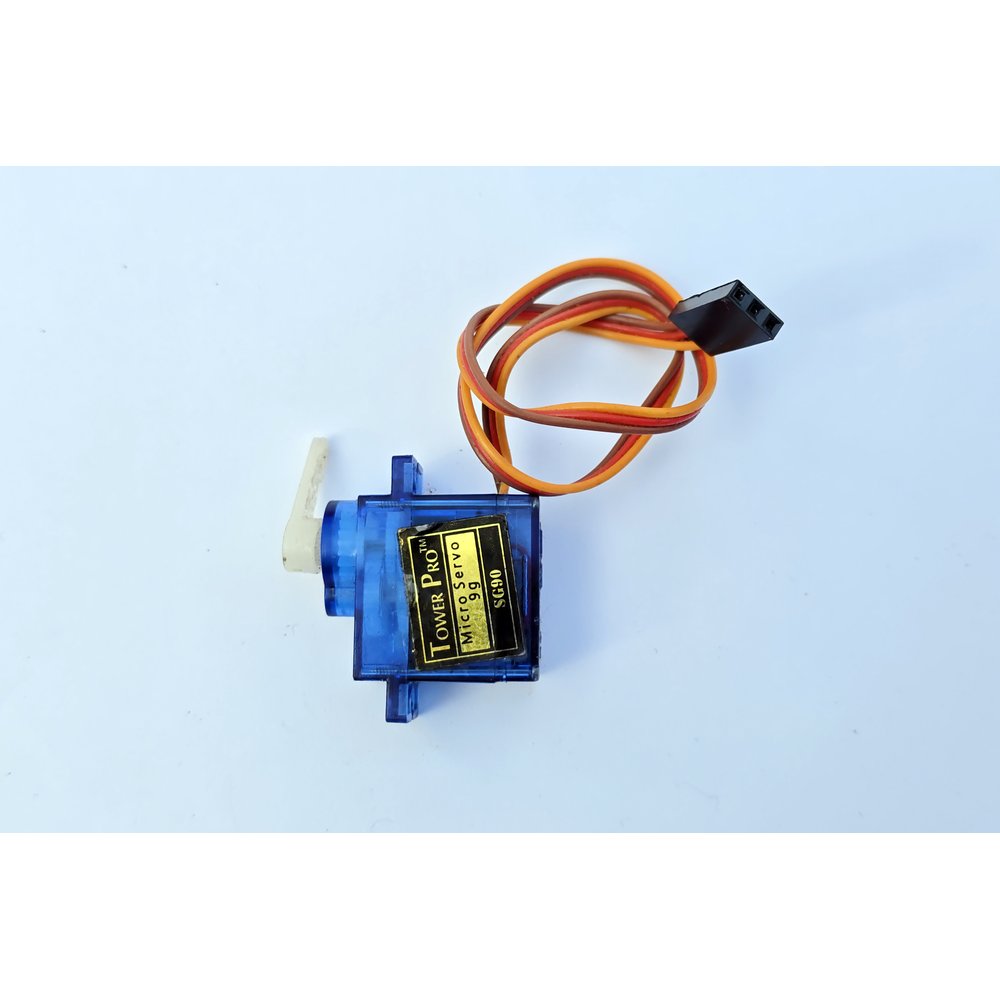
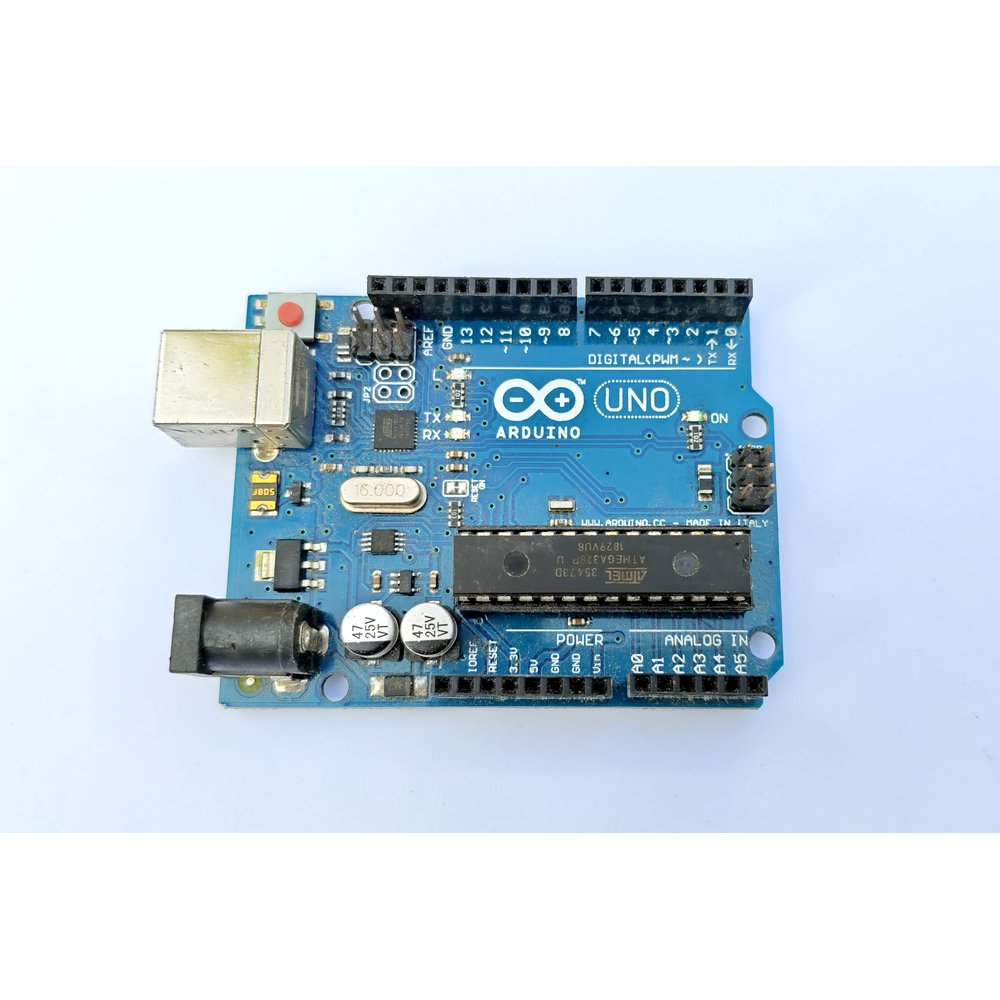
Prices can change; check Tekko for the latest.
SG90 servo motor pinout: the three wires
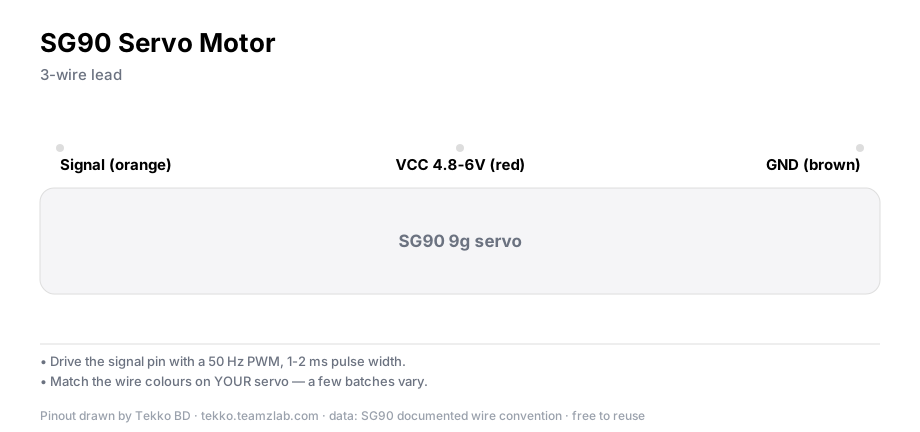
Wire colors are the same on almost every hobby servo:
| Wire | Function | Connects to |
|---|---|---|
| Brown | GND | Arduino GND |
| Red | VCC (4.8–6V) | 5V |
| Orange | Signal (PWM) | A PWM-capable pin, e.g. 9 |
The power warning everyone skips
Warning
One SG90 draws 100–250 mA while moving and up to about 700 mA when stalled. The Arduino's 5V pin is not built for that. One light servo on a bench is fine. Two or three, or one under load, will brown out the board and reset it. For more than one servo, feed them from a 5V 1A+ adapter and tie the adapter's GND to the Arduino's GND.
The code
The Servo library ships with the Arduino IDE, so there is nothing to install.
#include <Servo.h>

Servo myServo;

void setup() {
  myServo.attach(9);      // orange wire on pin 9
}

void loop() {
  myServo.write(0);       // 0 degrees
  delay(1000);
  myServo.write(90);      // center
  delay(1000);
  myServo.write(180);     // far end
  delay(1000);
}
Under the hood the servo wants a 50 Hz signal, one pulse every 20 ms. The pulse width sets the angle: roughly 1000 µs = 0°, 1500 µs = 90°, 2000 µs = 180°. The library does that math, so you only write degrees.
Verify it works
After upload, the arm should go 0° → 90° → 180° and back, holding each position for a second. If nothing moves, the problems below cover almost every cause.
Common problems
- The servo jitters or hums. Power is too low. Move it off the Arduino's 5V pin onto a real 5V adapter and join the grounds.
- It growls at one end. The arm is blocked, or you asked for an angle the SG90 cannot physically reach. Keep
write()values between 10 and 170. - The board resets mid-sweep. That is the brownout from the power warning above.
- Angles look wrong. Some SG90 clones only travel about 120°. Values inside 10–170 are safe on every unit.
Which servo to buy
| Model | Gears | Torque (≈) | Best for |
|---|---|---|---|
| SG90 | plastic | 1.8 kg·cm at 4.8V | first projects, science fairs |
| MG90S | metal | ≈2.2 kg·cm | same size, a bit more pull |
| MG996R | metal, larger | ≈9.4 kg·cm at 4.8V | robot joints, heavy lids |
| DS3218 | metal, larger | 20 kg·cm | serious robotics |
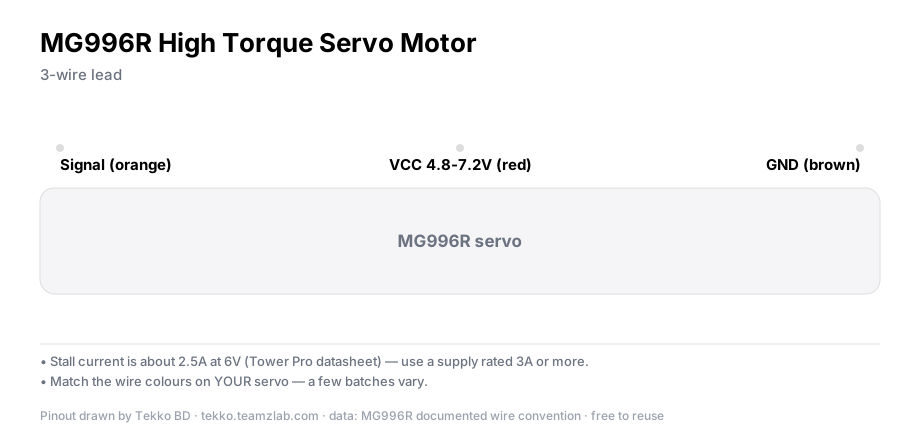
All four run on the same Arduino Servo library. The difference is strength and price.
Two more things
- Want full rotation instead of angles? You need a continuous-rotation servo.
write(90)stops it, andwrite(0)orwrite(180)spins it either way. - Past about 12 servos you run out of Arduino pins. A PCA9685 16-channel driver board handles them over just two I2C wires.
FAQ
Does the SG90 rotate a full 360°? No. The standard SG90 travels about 180°, often a bit less. The 360° version is a different product that controls speed, not angle.
Can I use it with an ESP32? Yes, with the ESP32 Servo library. The 3.3V logic is enough for the signal line.
Does a servo need a driver board? No. The control circuit is inside the servo. Motor drivers like the L298N are for plain DC and stepper motors.
More from Tekko
- Robotics category — SG90, MG90S, MG996R in one place
- Dev boards — Uno, Nano, ESP32
- Try the project free first: servo sweep in Tekko Sim
Sources
- Arduino Servo library reference — arduino.cc
- TowerPro SG90 datasheet — towerpro.com.tw
Try it free before you buy
This project runs free in Tekko Sim, right in your browser — before you spend a taka.
Servo Motor Arduino Code & Circuit (SG90) — Run in Sim